This post may contains affiliate links. As an amazon associate I earn from qualifying purchases.
In today’s fast-paced world, productivity isn’t about doing more—it’s about doing things smarter. Whether it’s capturing ideas before they disappear, navigating multiple locations efficiently, or understanding real financial outcomes before making big decisions, the right tools can make a massive difference.
Here are three thoughtfully designed Android apps that focus on simplicity, clarity, and real-world usability. Each app solves a specific problem, yet together they form a powerful toolkit for everyday life, travel, and real estate professionals.
1. Sticky Notes Quick Memo – Never Miss a Thought Again
Ideas don’t wait. They show up while commuting, during meetings, or right before sleep—and if they’re not captured instantly, they’re often gone forever.
Sticky Notes Quick Memo is built for exactly those moments. It’s a clean, distraction-free notes app that lets you write things down the second they come to mind.
Why This App Stands Out
Unlike heavy note-taking apps filled with complex features, this app focuses on what truly matters:
- Quick notes and memos
- Planning ideas and reminders
- Capturing thoughts instantly
- Simple organization without clutter
Whether you’re a student jotting down ideas, a professional planning tasks, or an entrepreneur brainstorming concepts, this app becomes your digital sticky note wall—always available, always simple.
If you’re looking for a lightweight Android app that helps you capture ideas before they fade, you can explore Sticky Notes Quick Memo on the Play Store here:
👉 https://play.google.com/store/apps/details?id=com.vasapps.stickynotesmemo&pcampaignid=web_share
2. Route Planner App – Plan Once, Drive Stress-Free
Typing addresses into Google Maps while on the move is not just inconvenient—it’s unsafe. That’s where the Route Planner App truly shines.
Originally designed for real estate agents and Realtors who visit multiple properties in a day, this app has evolved into a powerful solution for travelers, delivery drivers, and busy professionals.
How It Works (And Why It’s Brilliant)
Users can:
- Enter multiple addresses in advance
- Set time duration for each stop (like property showings or visits)
- Add small notes for each location
- Tap the map icon and instantly open Google Maps navigation
There’s no retyping addresses while driving. No switching apps. No distractions.
Who Can Use This App?
- Real estate agents managing home showings
- Vacation travelers visiting multiple destinations
- Delivery drivers optimizing daily routes
- Sales professionals and service providers on the road
Think of it as a Google Maps shortcut with planning intelligence built in.
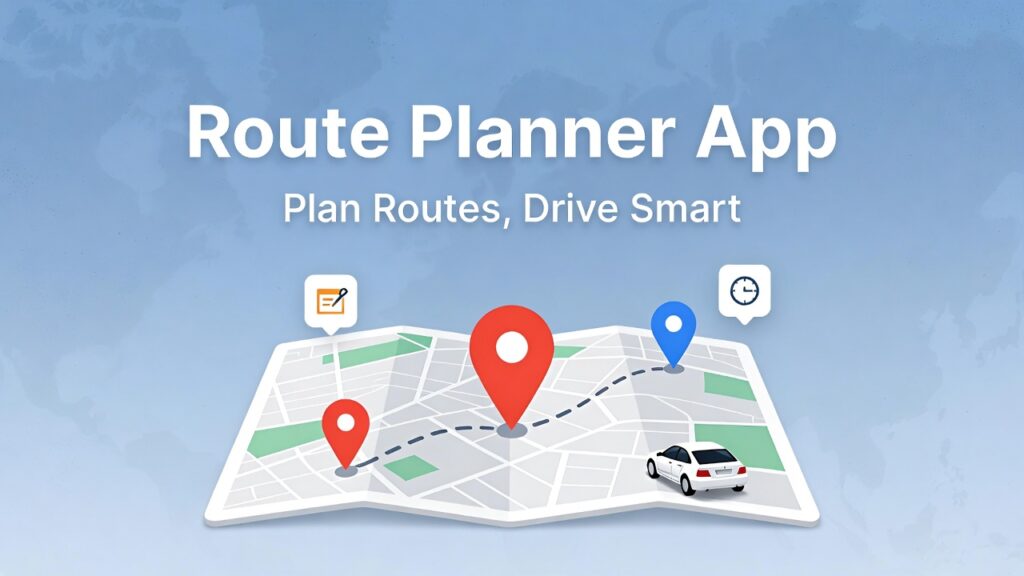
If you want a smarter way to manage routes and destinations, check out the Route Planner App on the Play Store:
👉 https://play.google.com/store/apps/details?id=com.vasapps.myshowings&pcampaignid=web_share
3. Seller’s Proceeds Net Sheet – Know What You’ll Actually Pocket
Selling a home isn’t just about the sale price—it’s about what you take home after everything is paid off. This is where many sellers and even agents struggle with clarity.
Seller’s Proceeds Net Sheet removes guesswork by helping users estimate their net proceeds with precision.
What This App Helps You Calculate
Users can enter:
- First and second mortgages
- Unpaid property taxes
- Closing costs
- Commissions and fees
- Other relevant deductions
At the end, the app generates a clear estimate net sheet showing how much money the seller is likely to pocket after the sale.
Who Benefits the Most?
- Real estate agents preparing net sheets for clients
- Homeowners planning to sell
- Investors analyzing exit scenarios
- First-time sellers wanting transparency
Instead of spreadsheets or confusing calculations, this app provides clarity in seconds.
You can explore the Seller’s Proceeds Net Sheet app on the Play Store here:
👉 https://play.google.com/store/apps/details?id=com.vasapps.netsheets&pcampaignid=web_share
This post may contains affiliate links. As an amazon associate I earn from qualifying purchases.